 Vendrop
AUTOMATED
Vendrop handles
- Track connected sales and inventory
- Catch low stock and calculate quantities
- Recommend a stronger product mix
- Prepare supported supplier carts
Vendrop turns live sales into inventory decisions and a ready-to-review supplier cart. You keep control of the purchase and the physical restock.
Each step feeds the next. Four happen in the background; two keep the purchase and physical machine under your control.
Connected sales data tells Vendrop which selection sold and when.
The machine count changes automatically, so low stock appears without a manual spreadsheet.
Vendrop recommends quantities and, on Performance, better products and facings.
Needed cases are organized and sent into a supported supplier workflow for review.
Checkout stays yours. The Chrome extension confirms the completed purchase back in Vendrop.
Confirm what arrived, then refill the machine. Vendrop updates inventory as products move.
Machine stock, incoming orders, and back-room inventory stay separate, so you always know what sold, what is coming, and what is ready to load.
The connected sale reduces that machine selection’s count.
After you place it, the extension confirms the purchase in Vendrop.
Confirm what arrived and those units are added to storage inventory.
Vendrop moves the filled units from storage into the machine’s selections.
The extension prepares supported Sam’s Club and Costco carts, then tells Vendrop when you finish placing the order. It never submits checkout or payment for you.
Switch between the core screens to see how live sales, machine health, and product inventory come together.
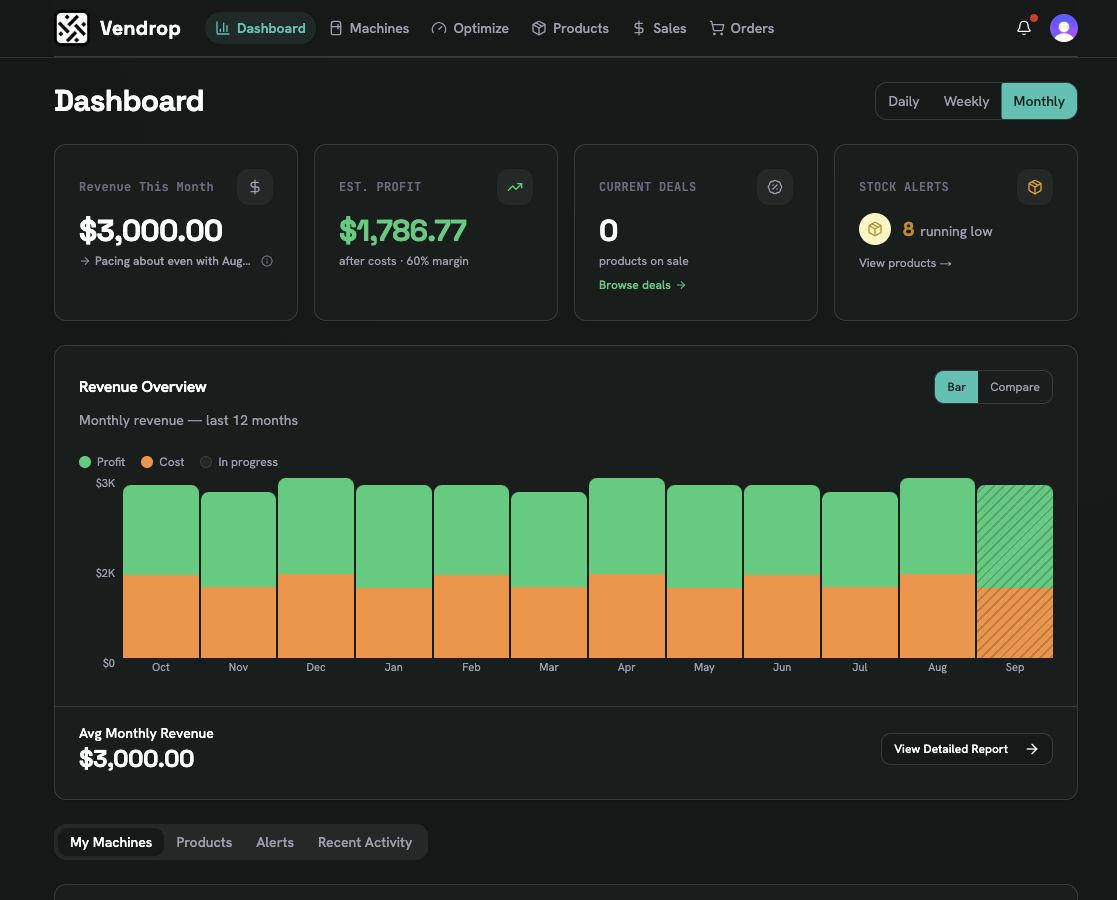
Real Vendrop screens captured from an isolated sample operation.
On Performance, Vendrop turns each machine's recent sales into practical product and facing recommendations.
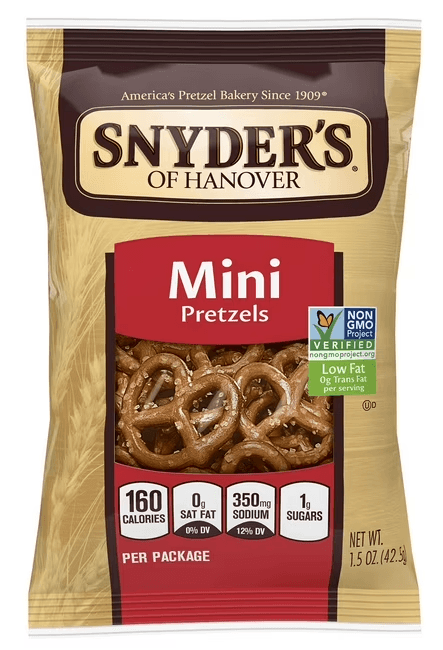

Why this change Sample insight: cracker slots are selling faster at this location.
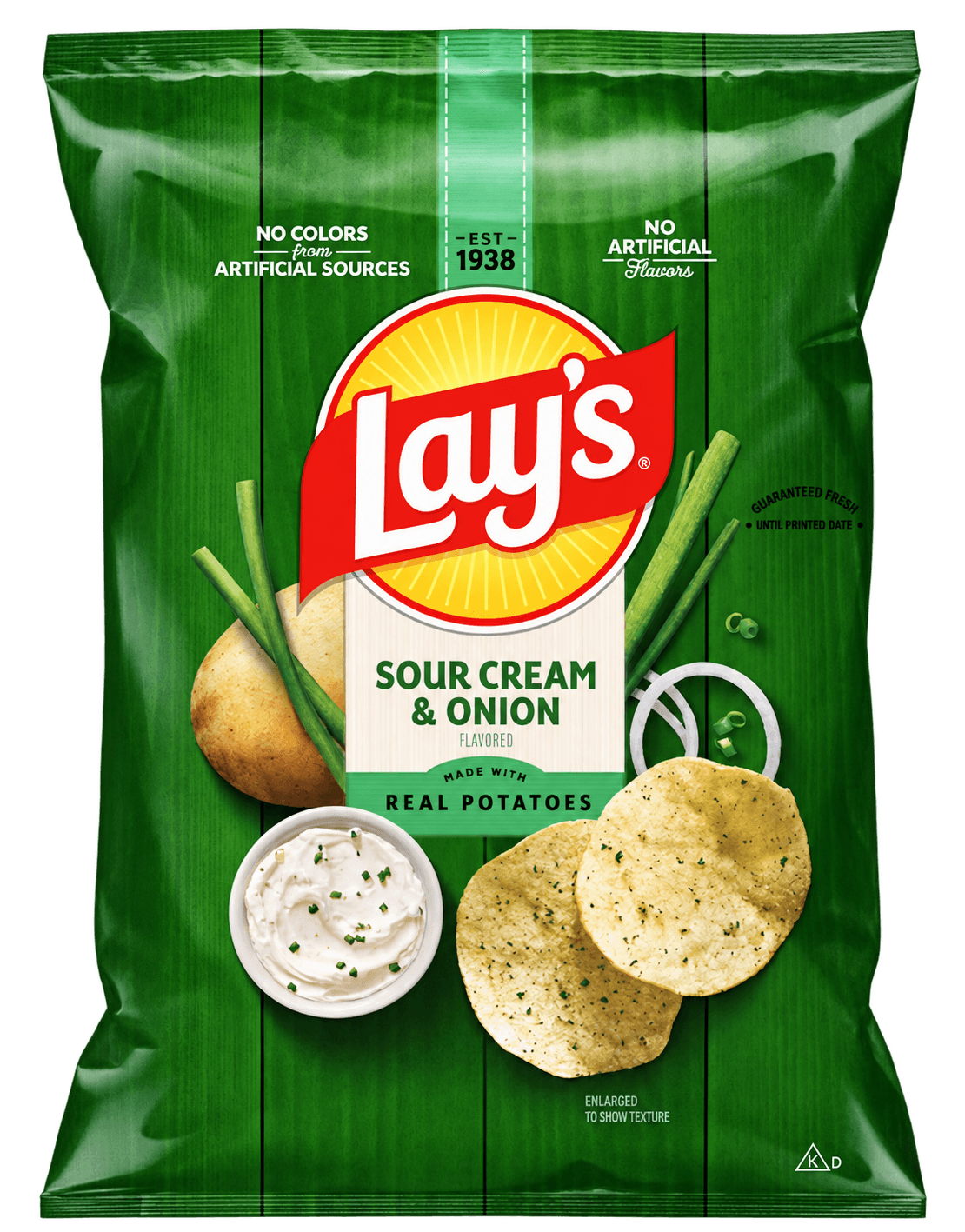
Give a fast seller another slot so it is less likely to run out before the next restock.
You stay in control. Accept, adjust, or dismiss each recommendation before any change is scheduled.
Vendrop needs a clear picture of the machine, its products, and its sales. Guided setup connects those pieces.
A few basics let guided setup connect the physical machine to its live sales and products.
Already operating? Add the machine. Still evaluating? Start with the location before buying equipment.
Connect each machine’s Cantaloupe card reader so Vendrop can update inventory from actual purchases.

Run a free test vend before going live. The PASS transaction confirms the reader, selection code, and Vendrop machine mapping without charging a personal card.
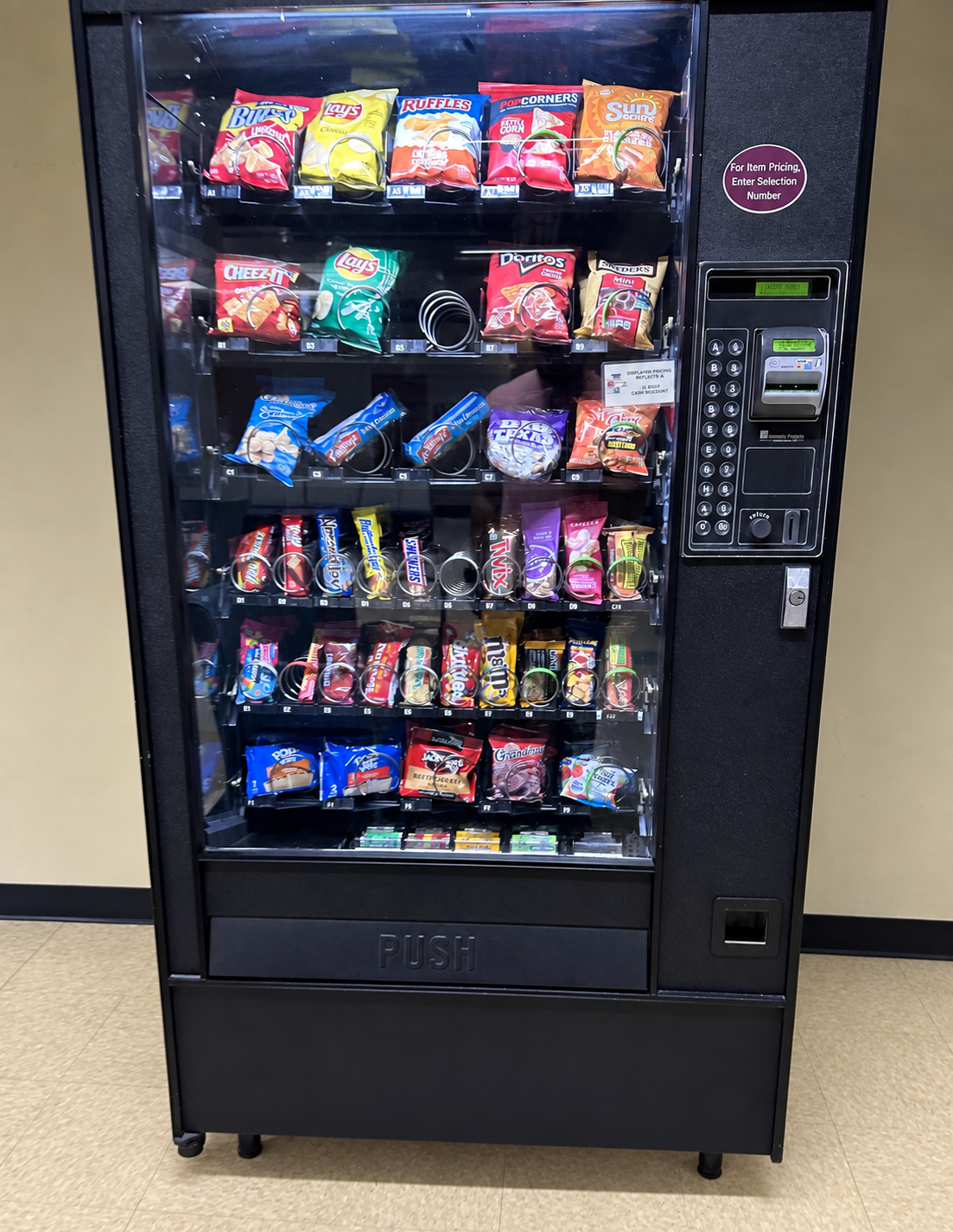
View the Cantaloupe Pass CardVendrop recognizes products and automatically categorizes each slot from your machine photo. Review the proposed layout, capacities, and starting counts before saving.
Use the optional Vendrop Chrome extension for supported catalog, pricing, and cart preparation workflows.
You approve the source of truth. Guided setup can help identify the machine and products, and you can review or correct the result before automation takes over.
Vendrop proposes the machine map, then you review and confirm it before saving.



For a business owner who wants the everyday inventory and ordering work handled.
For a business that also wants help improving what its machines carry and how each product is presented.
Founding rates shown for the first 12 months. Additional machines are $9/month.
Still deciding whether Vendrop fits your machine or location? These are the important boundaries and requirements.
Visit supportNo. Vendrop prepares the supplier cart, but you review the products and quantities and complete checkout and payment yourself.
The Chrome extension confirms checkout and updates the order record automatically. Products are added to storage inventory after you confirm they physically arrived, so Vendrop never treats an in-transit order as stock already on hand.
No. You can begin by evaluating a potential location, then add a machine when you are ready. If you already operate a machine, onboarding starts with that machine and its sales connection.
Vendrop currently supports Cantaloupe sales data through SeedLive. The guided connection is started by you, and Vendrop does not read or store your SeedLive password.
The optional Vendrop Chrome extension supports product and cart workflows for Sam’s Club and Costco. You still review the retailer cart and complete checkout on the retailer’s site.
Performance adds product-mix and facing recommendations, a broader opportunity view, and more advanced alerts across your machines.
Yes. Autopilot includes one machine, Performance includes three, and additional machines are $9 per month.
We’ll take you through the right questions before you commit to equipment or a plan.